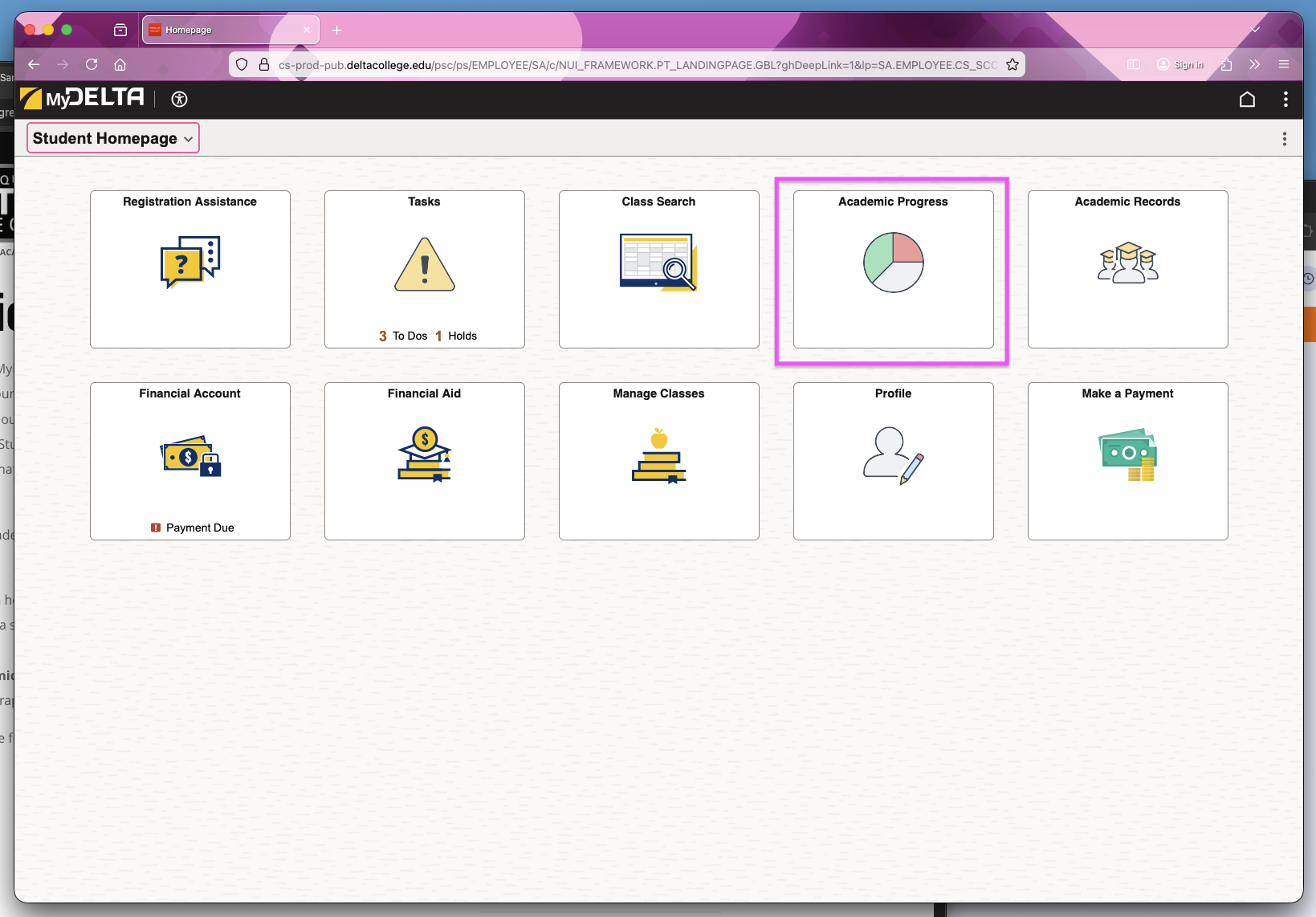
The Academic Progress in MyDelta allows you to track progress toward your degree and graduation from Delta, see outstanding requirements, review your Student Education Plan and find classes that that will satisfy your requirements.
To Start Reviewing Your Academic Progress:
- Log in to MyDelta
- From your MyDelta homepage, look for the Academic Progress tile. This will include a graph that displays a summary of your current progress towards completing your degree at Delta College.
- Click on the Academic Progress. This will open your Academic Progress Summary, which displays the same graph of your current progress towards your degree based on Units.
Image