Our Disability Support Programs and Services are available to all Delta College students with a verified disability. To begin receiving services, complete the steps below using your Delta ID number.
Apply for DSPS Services
STEP 1
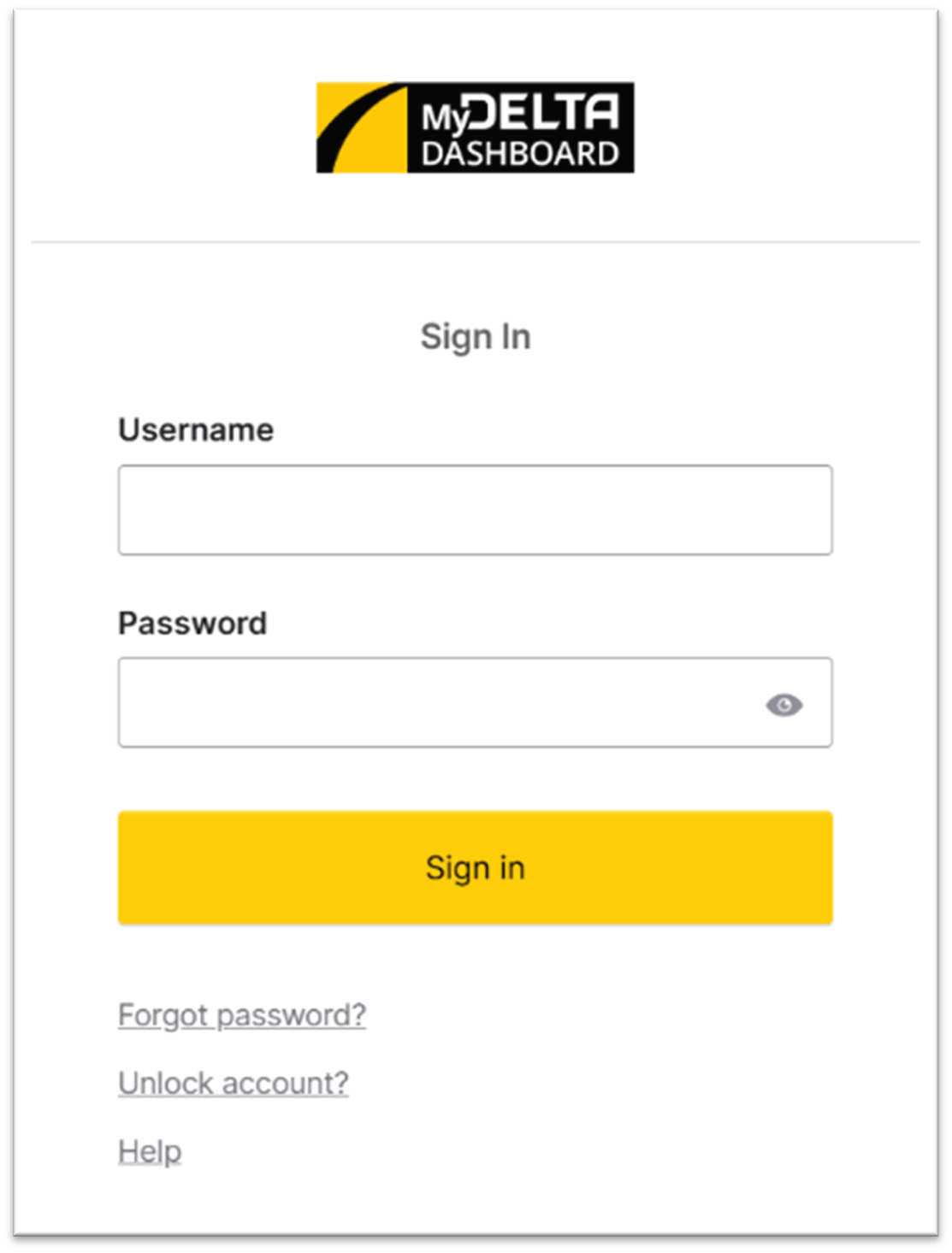
1. Go to MyDelta Dashboard and sign in with your username and password.
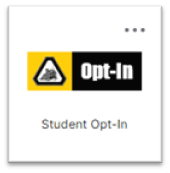
2. Then, click “Student Opt-In”.
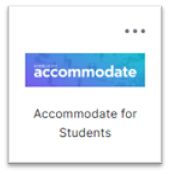
3. Wait for the Accommodate tile to load. You may need to click the web browser Reload button ⟳. Click the new tile that appears called “Accommodate for Students”.
4. Complete the application with your information. The application has a section for uploading your disability verification documentation. If you need assistance uploading documentation, please call (209) 954-5151 extension 6272 or go to DSPS and click LiveChat.
Documentation Examples: IEP, 504 Plan, Medical or Psychological documentation. You may also have a certifying professional complete the following Confidential Disability Verification Form. Click the link to download.
Make an Appointment
STEP 2
Once your application and documentation are submitted, contact the DSPS office to schedule a DSPS counseling appointment:
- Call DSPS at (209) 954-5151, extension 6272
- Come to the DSPS office in the DeRicco Building, 1st Floor, Room 110 (DERICCO 110)
- Go to DSPS and click LiveChat